

FB tag

New Credit Cards Coming Soon

Your new credit card will be arriving later this month, bringing enhanced security and added convenience. Be sure to keep an eye on your mailbox.

Your New Credit Card is Coming Soon in May

We’re upgrading our card services to provide you with stronger security and improved features for everyday convenience. As part of this update, you’ll be receiving a new credit card in the mail soon.

What You Need to Know

  • DO NOT cut up or dispose of your current card until May 18th
  • New cards will be ready for use May 18th
  • Ensure to update merchants with your new card for a smooth billing transition
  • Your new card includes a new card number, expiration date and CVV (the 3-digit code on the back).

Important Information

  • Make sure your mailing address is up to date
  • Your new debit card will NOT be forwarded
  • If needed, please complete an address change form before mailing

Traveling or Away from Home?

If you won’t have access to your mail from the U.S. Post Office, contact us right away at (651) 383-4000.
Continue Using Your Credit Card Until May 18th

Have Questions About Your New Credit Card?

For more information, view our helpful video tutorials, contact us, or call (651) 383-4000. Our team is here to help make your new credit card transition as smooth as possible.
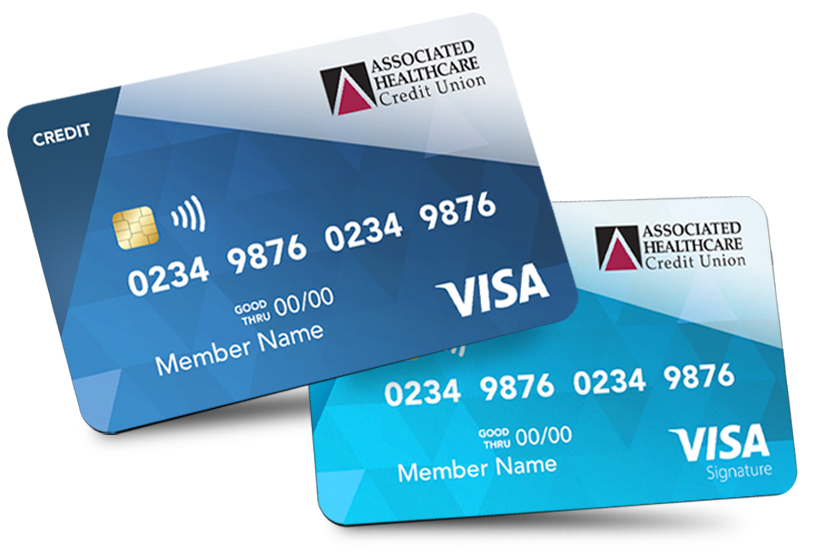
Learn More About Your Credit Card

Watch this quick tutorial video to learn about our upgraded card services, including enhanced security features and everyday conveniences. You’ll also find out what to expect as your new credit card arrives in the mail soon.


Notable Card Features:

  • Enhanced Security
  • Add Card to Digital Wallet

Click the button below to view our Credit Card tutorial.

AHCU Card Tutorial

Mobile Banking

Mobile Banking is fast, free, and secure for members enrolled in Online Banking. Get all the services from Online Banking on any web-enabled mobile device. Review account information, transfer funds, pay bills, set up alerts, and make deposits — even on the go!

Before you can use Mobile Banking with Mobile Deposits, Bill Pay or eStatements, you must first enroll in Online Banking.

Set Up Mobile Banking

Once you’re enrolled in AHCU Digital Banking, log in and click the “Mobile” tab to set up Mobile Banking.

During the online registration process, you can select to bank with SMS text, your mobile browser, a downloaded app, or any combination of the three. After you’ve registered, you’ll receive a text that leads you through the rest of the activation process.

You can use this service in three convenient ways:

  1. Web browsing
  2. App download – iPhone® | Android
  3. Text banking

Mobile Banking App QR Codes

AHCU Mobile Apps
Get it on Google Play
Download on the App store